Image & Design comparison · 2026

BrandCrowd vs Fotor

Compare BrandCrowd and Fotor as Image & Design tools on fit, pricing, and the capabilities that actually overlap in 2026. Pick BrandCrowd for teams naming a new venture and generating a first logo in the same sitting and producing a full stationery set of business cards, letterheads and email signatures from one logo. Pick Fotor for teams that want browser photo editor with AI image, video, and design tools on one credit-based account.
Updated Aug 22, 2026

Design & branding made easy with AI

Starts at $0/month·Image & Design

Browser photo editor with AI image, video, and design tools on one credit-based account

Starts at $0/month·Image & Design

At a glance

BrandCrowdFotor
CategoryImage & DesignImage & Design
PricingStarts at $0/monthStarts at $0/month
Free tierYesYes
PlatformsWebWeb
Suitable forTeams naming a new venture and generating a first logo in the same sitting and producing a full stationery set of business cards, letterheads and email signatures from one logoTeams that want browser photo editor with AI image, video, and design tools on one credit-based account
Company—Everimaging
Founded——

How they differ

Shared Image & Design rubric, filled from each listing. Not a score.

Generate

BrandCrowdFotor
Text to imageYesYes
Image to imageNot publishedYes
Inpaint / outpaintNot publishedYes
UpscaleNot publishedYes
VariationsLimitedNot published
Background removalYesYes

Control

BrandCrowdFotor
Style referenceNot publishedNot published
Character consistencyNot publishedYes
Pose / structure controlNot publishedNot published
Negative promptsNot publishedNot published
Seed controlNot publishedNot published
Custom model trainingNot publishedNot published

Design

BrandCrowdFotor
TemplatesYesYes
Brand kitNot publishedNot published
Vector / SVGYesNot published
LayersNot publishedNot published
TypographyYesLimited
MockupsYesLimited

Rights & output

BrandCrowdFotor
No watermark on paidNot publishedNot published
Print resolutionYesNot published
Transparent PNGYesYes
Batch generateNot publishedYes
Training opt-outNot publishedNot published
IP indemnityNot publishedNot published

Access

BrandCrowdFotor
Public APINot publishedYes
Official SDKNot publishedNot published
Self-serve signupYesYes
Free trialNot publishedYes
Team workspaceNot publishedNot published
SSO / SAMLNot publishedNot published
Mobile appsNoYes
Browser extensionNot publishedNot published
Self-host / on-premNoNot published

Commercial

BrandCrowdFotor
Commercial licenseNot publishedNot published
Usage-based pricingNot publishedYes
Invoice / PONot publishedNot published
SOC 2Not publishedNot published
GDPR / DPANot publishedNot published
Audit logNot publishedNot published
Role-based accessNot publishedNot published

Features

These listings describe different capabilities. What each one ships:

Only BrandCrowd

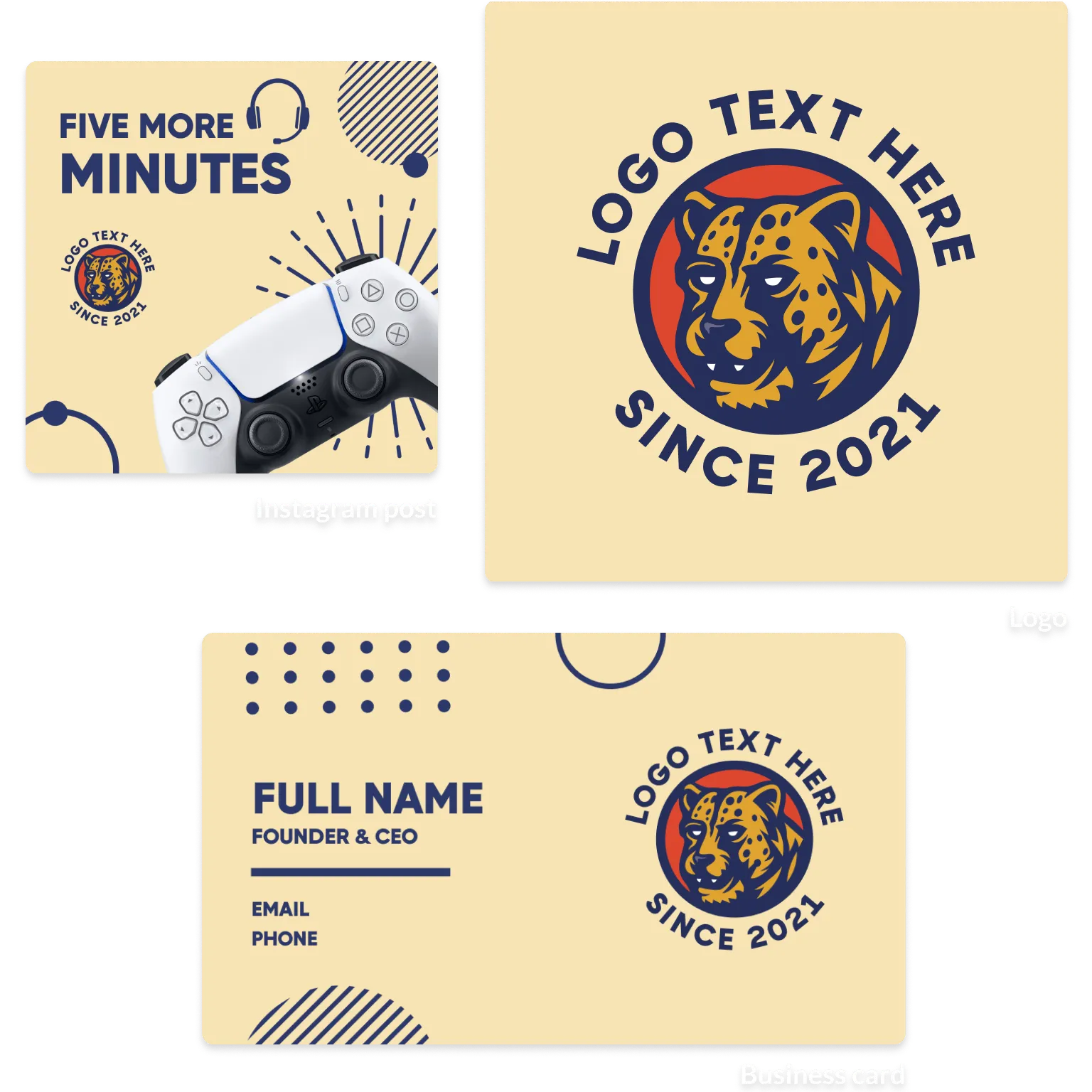
  • AI Logo Generator that creates marks from a text prompt
  • AI Business Name Generator with matching logo previews
  • AI Background Remover for clearing or replacing image backgrounds
  • Logo Maker with customizable fonts, colors, layouts and shapes
  • Library of over 100K templates spanning logo, social, print and web
  • Vector downloads in EPS, SVG and PDF plus raster JPG and PNG
  • Transparent-background PNG supplied even for logos designed on a solid background
  • Logo shortlisting with a heart icon during browsing

Only Fotor

  • Online photo editor with crop, resize, exposure, colour and frame controls
  • AI Photo Enhancer for one-click lighting, unblur and detail improvement up to 4K/8K
  • AI Background Remover and Change Background with transparent PNG output
  • AI Object Remover, Remove Person, watermark and text removal
  • Batch photo editor for bulk enhancement and background work
  • AI Image Generator driven by Nano Banana, Nano Banana Pro, FLUX, GPT Image 2, Seedream, Ideogram and Midjourney v7 classic
  • AI Video Generator with Veo 3, Veo 3.1, Kling, Hailuo, PixVerse, Vidu, Seedance, Wan and Grok
  • Video enhancer, video background remover and video object remover

Use cases

These listings describe different use cases. What each one ships:

Only BrandCrowd

  • Naming a new venture and generating a first logo in the same sitting
  • Producing a full stationery set of business cards, letterheads and email signatures from one logo
  • Building channel art for YouTube, Twitch, SoundCloud and LinkedIn profiles
  • Designing restaurant menus, flyers and posters for a local promotion
  • Standing up a simple brand website or link-in-bio page after choosing a logo
  • Ordering printed business cards and branded T-shirts directly after designing them
  • Cleaning up product photography with background removal before posting

Only Fotor

  • Online photo editor with crop, resize, exposure, colour and frame controls
  • AI Photo Enhancer for one-click lighting, unblur and detail improvement up to 4K/8K
  • AI Background Remover and Change Background with transparent PNG output
  • AI Object Remover, Remove Person, watermark and text removal
  • Batch photo editor for bulk enhancement and background work
  • AI Image Generator driven by Nano Banana, Nano Banana Pro, FLUX, GPT Image 2, Seedream, Ideogram and Midjourney v7 classic
  • AI Video Generator with Veo 3, Veo 3.1, Kling, Hailuo, PixVerse, Vidu, Seedance, Wan and Grok
  • Video enhancer, video background remover and video object remover

Plans

BrandCrowd

  • Free $0/mo

    Create designs at no cost, per BrandCrowd's published FAQ · Low-resolution preview downloads · Free Logo Maker entry point for instant logo downloads · Free printable business card designs · Access to logo, social, print and web template browsing

  • Paid plans (prices not published) Not published/mo or Not published/yr

    High-resolution raster files in JPG and PNG · Print-ready and vector files in EPS, SVG and PDF · Animated designs delivered as GIF and video formats · Full customization of fonts, colors, layouts and icons · BrandCrowd states digital downloads are non-refundable, though designs can be re-edited and re-downloaded

Fotor

  • Fotor Basic $0/mo or $0/yr

    Free forever · Limited free credits · 1 concurrent generation · 2 chats with AI Agent · 1 AI Agent task · Basic editing tools · Basic templates & collage · Limited effects, fonts, elements · 30-day creation storage duration · 512MB cloud storage · Device sync · Watermarked JPG, PNG & PDF exports

BrandCrowd strengths

  • BrandCrowd covers naming, logo, print collateral, social sizes, video, website and domain in one account instead of forcing separate tools
  • BrandCrowd supplies vector EPS, SVG and PDF, so a logo scales to signage and print without redrawing
  • BrandCrowd hands over a transparent PNG version even when the logo was designed on a solid background
  • BrandCrowd's guided editor limits choices to colors, fonts, layout and shapes, which keeps non-designers from getting lost
  • BrandCrowd lets users shortlist and preview logos on mockups before paying anything
  • BrandCrowd states designs may be used for personal or commercial purposes
  • BrandCrowd runs in seven locales including Brazilian Portuguese and Canadian French

Watch-outs

  • BrandCrowd publishes no reachable pricing page, so paid plan amounts and billing periods cannot be verified before signup
  • BrandCrowd's free tier only yields low-resolution previews; vector and print-ready files require payment
  • Vendor contradiction: BrandCrowd's FAQ says all designs are yours for personal or commercial use, while the same FAQ restricts free output to low-resolution previews until a paid plan is purchased
  • BrandCrowd logos originate from a shared template library and BrandCrowd publishes no exclusivity or trademark-clearance guarantee on those marks
  • BrandCrowd treats digital downloads as non-refundable, with refunds limited to print orders that have quality issues
  • BrandCrowd's editor is template-bound, so freeform illustration and custom vector drawing are out of scope
  • BrandCrowd documents no multi-seat, brand-kit governance or team approval workflow for agencies
  • BrandCrowd's self-description as "a leading online design platform" with "millions of users worldwide" is a vendor claim with no supporting figures on the pages reviewed

Fotor strengths

  • Online photo editor with crop, resize, exposure, colour and frame controls
  • AI Photo Enhancer for one-click lighting, unblur and detail improvement up to 4K/8K
  • AI Background Remover and Change Background with transparent PNG output
  • AI Object Remover, Remove Person, watermark and text removal
  • Batch photo editor for bulk enhancement and background work
  • AI Image Generator driven by Nano Banana, Nano Banana Pro, FLUX, GPT Image 2, Seedream, Ideogram and Midjourney v7 classic
  • AI Video Generator with Veo 3, Veo 3.1, Kling, Hailuo, PixVerse, Vidu, Seedance, Wan and Grok
  • Video enhancer, video background remover and video object remover

Watch-outs

  • Fotor plan limits come from the published pricing table.
  • Fotor packaging is recorded from the vendor pages available at analysis time.

BrandCrowd vs Fotor verdict

Who each product is for, then labeled AI takes. Not a generic winner.

Bottom line

Pick BrandCrowd for teams naming a new venture and generating a first logo in the same sitting and producing a full stationery set of business cards, letterheads and email signatures from one logo. Pick Fotor for teams that want browser photo editor with AI image, video, and design tools on one credit-based account.

Who BrandCrowd is for

Teams naming a new venture and generating a first logo in the same sitting and producing a full stationery set of business cards, letterheads and email signatures from one logo

Design & branding made easy with AI

Who Fotor is for

Teams that want browser photo editor with AI image, video, and design tools on one credit-based account

Browser photo editor with AI image, video, and design tools on one credit-based account

AI take on BrandCrowd

As of August 2026, BrandCrowd is strongest as a fast launch kit, not a substitute for original brand strategy or custom design.

AI take on Fotor

As of August 2026, Fotor stands out as a practical all-in-one visual-production hub, though its AI breadth can make costs and workflow choices harder to parse.

BrandCrowd vs Fotor FAQ

Common questions when choosing between BrandCrowd and Fotor.

Is BrandCrowd or Fotor the better Image & Design tool?

Pick BrandCrowd for teams naming a new venture and generating a first logo in the same sitting and producing a full stationery set of business cards, letterheads and email signatures from one logo. Pick Fotor for teams that want browser photo editor with AI image, video, and design tools on one credit-based account.

Which is cheaper, BrandCrowd or Fotor?

BrandCrowd starts at $0/month. Fotor starts at $0/month. Confirm current pricing on each vendor site.

Who should choose BrandCrowd?

Teams naming a new venture and generating a first logo in the same sitting and producing a full stationery set of business cards, letterheads and email signatures from one logo

Who should choose Fotor?

Teams that want browser photo editor with AI image, video, and design tools on one credit-based account

Embed this on your site

Drop Ask AI buttons into your page. Readers open their own AI with BrandCrowd vs Fotor in context.

Get the embed code

To request a correction, contact [email protected].