Image & Design comparison · 2026

BrandCrowd vs Let's Enhance

Compare BrandCrowd and Let's Enhance as Image & Design tools on fit, pricing, and the capabilities that actually overlap in 2026. Pick BrandCrowd for teams naming a new venture and generating a first logo in the same sitting and producing a full stationery set of business cards, letterheads and email signatures from one logo. Pick Let's Enhance for teams enlarging low-resolution photos to print-ready files for posters, canvas, and merchandise and rescuing soft-focus, noisy, or compression-damaged shots after a shoot.
Updated Aug 23, 2026

Design & branding made easy with AI

Starts at $0/month·Image & Design

AI image enhancer, upscaler, and restorer for print-ready photos

Starts at $0/month·Image & Design

At a glance

BrandCrowdLet's Enhance
CategoryImage & DesignImage & Design
PricingStarts at $0/monthStarts at $0/month
Free tierYesYes
PlatformsWebWeb
Suitable forTeams naming a new venture and generating a first logo in the same sitting and producing a full stationery set of business cards, letterheads and email signatures from one logoTeams enlarging low-resolution photos to print-ready files for posters, canvas, and merchandise and rescuing soft-focus, noisy, or compression-damaged shots after a shoot
Company—LetsEnhance, Inc.
Founded——

How they differ

Shared Image & Design rubric, filled from each listing. Not a score.

Generate

BrandCrowdLet's Enhance
Text to imageYesYes
Image to imageNot publishedYes
Inpaint / outpaintNot publishedNot published
UpscaleNot publishedYes
VariationsLimitedNot published
Background removalYesLimited

Control

BrandCrowdLet's Enhance
Style referenceNot publishedNot published
Character consistencyNot publishedNot published
Pose / structure controlNot publishedNot published
Negative promptsNot publishedNot published
Seed controlNot publishedNot published
Custom model trainingNot publishedNot published

Design

BrandCrowdLet's Enhance
TemplatesYesNot published
Brand kitNot publishedNot published
Vector / SVGYesNot published
LayersNot publishedNot published
TypographyYesNot published
MockupsYesNot published

Rights & output

BrandCrowdLet's Enhance
No watermark on paidNot publishedYes
Print resolutionYesYes
Transparent PNGYesLimited
Batch generateNot publishedYes
Training opt-outNot publishedNot published
IP indemnityNot publishedNot published

Access

BrandCrowdLet's Enhance
Public APINot publishedYes
Official SDKNot publishedNot published
Self-serve signupYesYes
Free trialNot publishedYes
Team workspaceNot publishedNot published
SSO / SAMLNot publishedNot published
Mobile appsNoNo
Browser extensionNot publishedNot published
Self-host / on-premNoNot published

Commercial

BrandCrowdLet's Enhance
Commercial licenseNot publishedLimited
Usage-based pricingNot publishedLimited
Invoice / PONot publishedNot published
SOC 2Not publishedNot published
GDPR / DPANot publishedNot published
Audit logNot publishedNot published
Role-based accessNot publishedNot published

Features

These listings describe different capabilities. What each one ships:

Only BrandCrowd

  • AI Logo Generator that creates marks from a text prompt
  • AI Business Name Generator with matching logo previews
  • AI Background Remover for clearing or replacing image backgrounds
  • Logo Maker with customizable fonts, colors, layouts and shapes
  • Library of over 100K templates spanning logo, social, print and web
  • Vector downloads in EPS, SVG and PDF plus raster JPG and PNG
  • Transparent-background PNG supplied even for logos designed on a solid background
  • Logo shortlisting with a heart icon during browsing

Only Let's Enhance

  • Enhancer that improves photo quality, recovers detail, and fixes color
  • Upscaler that increases image resolution up to 512 megapixels for print and web
  • Restorer that repairs damage in old or scanned photographs
  • Up to 16x resolution increase so photos hit 300 DPI at larger print sizes
  • Prime mode as the default, positioned for portraits, products, and textures
  • Gentle mode for images with small text or fine detail
  • Old Photo mode for repairing damaged scans first
  • Batch editing of 20 images at once

Use cases

These listings describe different use cases. What each one ships:

Only BrandCrowd

  • Naming a new venture and generating a first logo in the same sitting
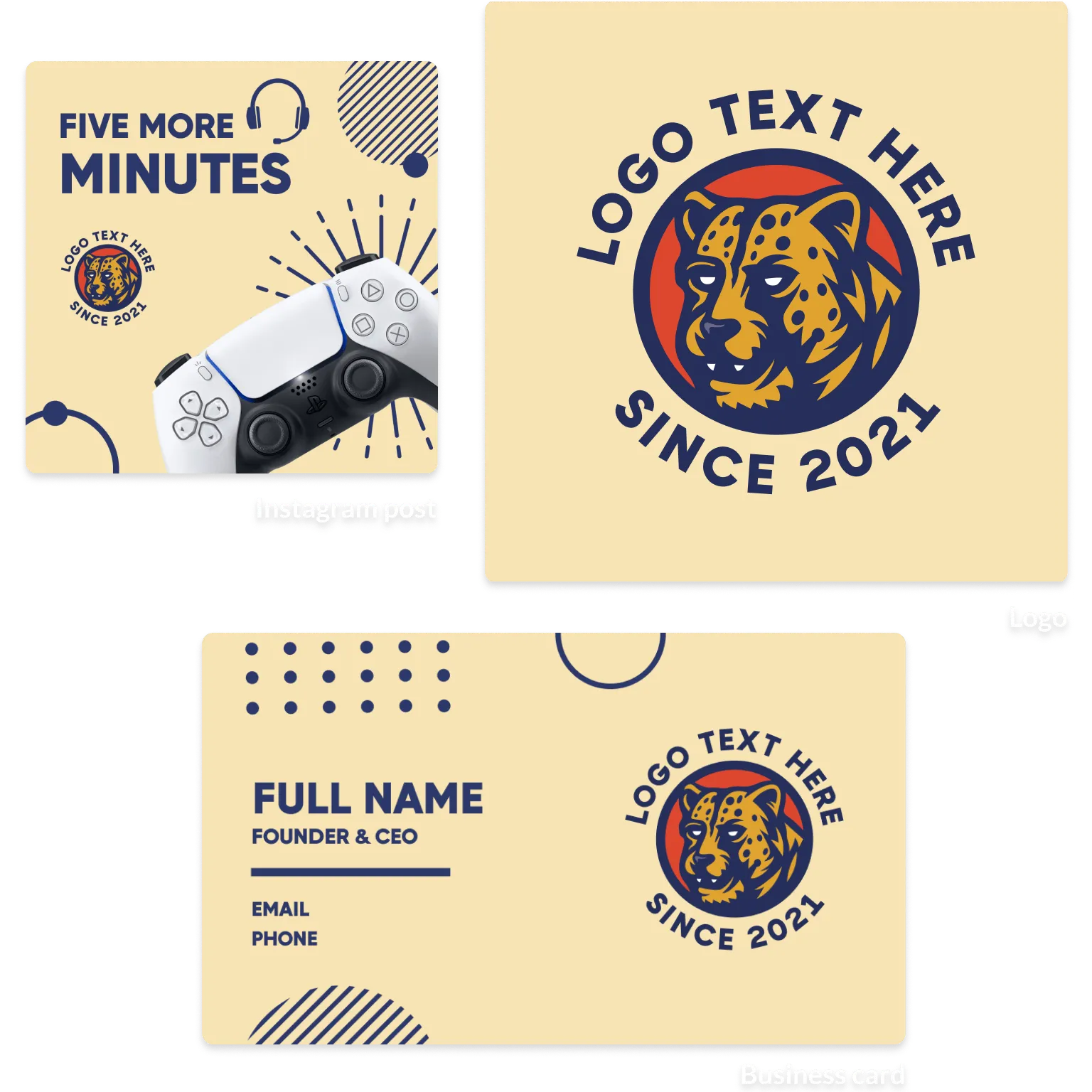
  • Producing a full stationery set of business cards, letterheads and email signatures from one logo
  • Building channel art for YouTube, Twitch, SoundCloud and LinkedIn profiles
  • Designing restaurant menus, flyers and posters for a local promotion
  • Standing up a simple brand website or link-in-bio page after choosing a logo
  • Ordering printed business cards and branded T-shirts directly after designing them
  • Cleaning up product photography with background removal before posting

Only Let's Enhance

  • Enlarging low-resolution photos to print-ready files for posters, canvas, and merchandise
  • Rescuing soft-focus, noisy, or compression-damaged shots after a shoot
  • Restoring old scanned family photographs with Old Photo mode
  • Cleaning up and upscaling Midjourney, Stable Diffusion, and DALL-E output to 4K or 8K
  • Sizing artwork for print-on-demand storefronts and t-shirt catalogs
  • Improving ecommerce product photos in bulk without reshooting
  • Preparing fashion and product imagery at consistent resolution across a catalog
  • Removing backgrounds from product shots within the same credit balance

Plans

BrandCrowd

  • Free $0/mo

    Create designs at no cost, per BrandCrowd's published FAQ · Low-resolution preview downloads · Free Logo Maker entry point for instant logo downloads · Free printable business card designs · Access to logo, social, print and web template browsing

  • Paid plans (prices not published) Not published/mo or Not published/yr

    High-resolution raster files in JPG and PNG · Print-ready and vector files in EPS, SVG and PDF · Animated designs delivered as GIF and video formats · Full customization of fonts, colors, layouts and icons · BrandCrowd states digital downloads are non-refundable, though designs can be re-edited and re-downloaded

Let's Enhance

  • Free $0/mo or $0/yr

    10 free credits upon signing up · No credit card needed · Input image up to 24 megapixels or 50MB · Unlimited storage · Email support · Upgrade anytime · Watermark (removed for paid users)

  • Starter $12/mo or $108/yr

    100 credits to process images each month · Save up to 600 unused credits · Unused credits roll over · Upscale up to 256 megapixels · Unlimited storage · Input image up to 64 megapixels or 50MB · Generate AI art · Remove backgrounds · Priority enhancement · Chat support · Early access to new features · Downgrade, upgrade or cancel anytime

  • Pro $32/mo or $288/yr

    300 credits to process images each month · Save up to 1800 unused credits · Unused credits roll over · Upscale up to 350 megapixels · Unlimited storage · Input image up to 64 megapixels or 50MB · Generate AI art · Remove backgrounds · Priority enhancement · Chat support · Early access to new features · Downgrade, upgrade or cancel anytime

  • Max $45/mo or $408/yr

    500 credits to process images each month · Save up to 3000 unused credits · Unused credits roll over · Upscale up to 512 megapixels · Unlimited storage · Input image up to 64 megapixels or 50MB · Generate AI art · Remove backgrounds · Priority enhancement · Chat support · Early access to new features · Downgrade, upgrade or cancel anytime

BrandCrowd strengths

  • BrandCrowd covers naming, logo, print collateral, social sizes, video, website and domain in one account instead of forcing separate tools
  • BrandCrowd supplies vector EPS, SVG and PDF, so a logo scales to signage and print without redrawing
  • BrandCrowd hands over a transparent PNG version even when the logo was designed on a solid background
  • BrandCrowd's guided editor limits choices to colors, fonts, layout and shapes, which keeps non-designers from getting lost
  • BrandCrowd lets users shortlist and preview logos on mockups before paying anything
  • BrandCrowd states designs may be used for personal or commercial purposes
  • BrandCrowd runs in seven locales including Brazilian Portuguese and Canadian French

Watch-outs

  • BrandCrowd publishes no reachable pricing page, so paid plan amounts and billing periods cannot be verified before signup
  • BrandCrowd's free tier only yields low-resolution previews; vector and print-ready files require payment
  • Vendor contradiction: BrandCrowd's FAQ says all designs are yours for personal or commercial use, while the same FAQ restricts free output to low-resolution previews until a paid plan is purchased
  • BrandCrowd logos originate from a shared template library and BrandCrowd publishes no exclusivity or trademark-clearance guarantee on those marks
  • BrandCrowd treats digital downloads as non-refundable, with refunds limited to print orders that have quality issues
  • BrandCrowd's editor is template-bound, so freeform illustration and custom vector drawing are out of scope
  • BrandCrowd documents no multi-seat, brand-kit governance or team approval workflow for agencies
  • BrandCrowd's self-description as "a leading online design platform" with "millions of users worldwide" is a vendor claim with no supporting figures on the pages reviewed

Let's Enhance strengths

  • A $0 tier with 10 credits and no credit card requirement lets buyers test Let's Enhance output quality first
  • Watermarks on free Let's Enhance output are removed retroactively after purchase, so early test files stay usable
  • Unused credits roll over on the 100, 300, and 500 credit personal plans of Let's Enhance
  • Let's Enhance publishes explicit megapixel input and output limits per plan rather than vague quality tiers
  • Three purpose-built modes in Let's Enhance, Prime, Gentle, and Old Photo, cover portraits, fine detail, and damaged scans separately
  • Batch handling of 20 images at once in Let's Enhance suits catalog and print-on-demand workloads
  • Enhanced files can continue into the Let's Enhance Chat Editor or Image to Video without leaving the product

Watch-outs

  • Vendor contradiction: Let's Enhance plan cards advertise 256, 350, and 512 megapixel upscaling on Starter, Pro, and Max, while the Let's Enhance FAQ states output is capped at 256 megapixels on personal plans and 500 megapixels on business plans
  • Vendor contradiction: the Let's Enhance free plan card lists input up to 24 megapixels or 50 MB, while the Let's Enhance FAQ says input images can be up to 64 megapixels or 50 MB for all plans
  • Canceling a Let's Enhance subscription forfeits all remaining credits at the end of the paid billing period
  • Business plans on Let's Enhance at 1,000, 2,500, and 5,000 credits do not accumulate unused credits at all
  • Rollover in Let's Enhance is capped at six times the monthly allowance, so a 100-credit plan can bank no more than 600 credits
  • Switching Let's Enhance plans resets the maximum stored credit balance
  • Background removal in Let's Enhance is restricted to 16 megapixels on both input and output, well below the upscaling ceilings
  • Free Let's Enhance output is watermarked until a subscription or bundle is purchased

BrandCrowd vs Let's Enhance verdict

Who each product is for, then labeled AI takes. Not a generic winner.

Bottom line

Pick BrandCrowd for teams naming a new venture and generating a first logo in the same sitting and producing a full stationery set of business cards, letterheads and email signatures from one logo. Pick Let's Enhance for teams enlarging low-resolution photos to print-ready files for posters, canvas, and merchandise and rescuing soft-focus, noisy, or compression-damaged shots after a shoot.

Who BrandCrowd is for

Teams naming a new venture and generating a first logo in the same sitting and producing a full stationery set of business cards, letterheads and email signatures from one logo

Design & branding made easy with AI

Who Let's Enhance is for

Teams enlarging low-resolution photos to print-ready files for posters, canvas, and merchandise and rescuing soft-focus, noisy, or compression-damaged shots after a shoot

AI image enhancer, upscaler, and restorer for print-ready photos

AI take on BrandCrowd

As of August 2026, BrandCrowd is strongest as a fast launch kit, not a substitute for original brand strategy or custom design.

AI take on Let's Enhance

As of August 2026 the output quality justifies the price, but read the FAQ before the plan cards. The megapixel ceilings disagree, and cancelation wipes every banked credit.

BrandCrowd vs Let's Enhance FAQ

Common questions when choosing between BrandCrowd and Let's Enhance.

Is BrandCrowd or Let's Enhance the better Image & Design tool?

Pick BrandCrowd for teams naming a new venture and generating a first logo in the same sitting and producing a full stationery set of business cards, letterheads and email signatures from one logo. Pick Let's Enhance for teams enlarging low-resolution photos to print-ready files for posters, canvas, and merchandise and rescuing soft-focus, noisy, or compression-damaged shots after a shoot.

Which is cheaper, BrandCrowd or Let's Enhance?

BrandCrowd starts at $0/month. Let's Enhance starts at $0/month. Confirm current pricing on each vendor site.

Who should choose BrandCrowd?

Teams naming a new venture and generating a first logo in the same sitting and producing a full stationery set of business cards, letterheads and email signatures from one logo

Who should choose Let's Enhance?

Teams enlarging low-resolution photos to print-ready files for posters, canvas, and merchandise and rescuing soft-focus, noisy, or compression-damaged shots after a shoot

Embed this on your site

Drop Ask AI buttons into your page. Readers open their own AI with BrandCrowd vs Let's Enhance in context.

Get the embed code

To request a correction, contact [email protected].