What is Locofy.ai?
Design handoff is where a large share of frontend hours quietly disappear, and Locofy.ai targets that gap by reading an approved Figma or Penpot file and emitting component code instead of a screenshot approximation.

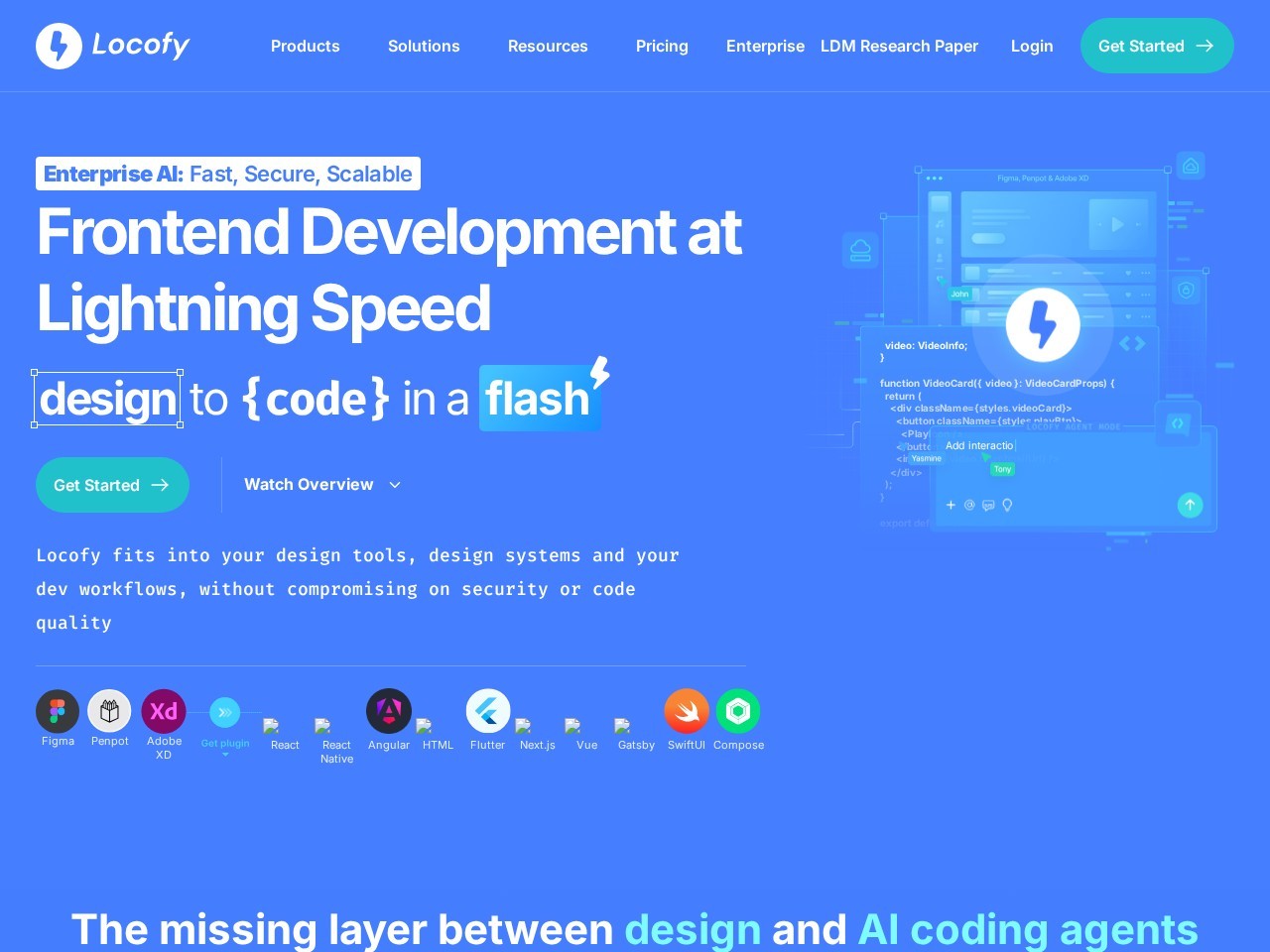
Locofy.ai converts Figma and Penpot designs into frontend code for React, React Native, HTML-CSS, Vue, Angular, Flutter and Next.js, tagging layers and adding responsiveness automatically. Frontend engineers and designers use Locofy.ai to skip hand-coding static UI, with SOC 2 and ISO certification plus on-prem or cloud deployment.
Verified facts from the vendor site · Last verified Aug 22, 2026. Independent Locofy.ai review covering pricing, features, who it is for, and alternatives.
Design handoff is where a large share of frontend hours quietly disappear, and Locofy.ai targets that gap by reading an approved Figma or Penpot file and emitting component code instead of a screenshot approximation.
Locofy.ai is freemium. It starts at $0/month. Paid plans include Free: monthly $0/mo: yearly $0/yr ($0/mo effective); Paid subscription: monthly Not published/mo: Not published; Enterprise: monthly Custom quote/mo: Custom quote. Check locofy.ai for current prices.
Locofy.ai has a free tier. Paid plans are available for higher limits and team features.
Locofy.ai is best for frontend engineers and design system owners who want signed-off Figma or Penpot screens turned into React or Next.js components instead of hand-coding static UI..
Locofy.ai is best for frontend engineers and design system owners who want signed-off Figma or Penpot screens turned into React or Next.js components instead of hand-coding static UI.. Skip it if locofy.ai publishes no reachable pricing page, so paid plan amounts and export caps cannot be confirmed before signup.
The main Locofy.ai features are Converts Figma and Penpot designs into developer-friendly frontend code, Supports React, React Native, HTML-CSS, Flutter, Vue, Angular and Next.js output, Automated layer tagging for buttons, inputs, images and lists, Responsive layout generation across breakpoints, and Locofy Lightning automated pass driven by Large Design Models.
The closest Locofy.ai alternatives on Citeware are Sourcegraph, Reflex. Full list: https://citeware.io/alternatives/locofy-ai.
Limitations called out on this listing: Locofy.ai publishes no reachable pricing page, so paid plan amounts and export caps cannot be confirmed before signup; Locofy.ai output quality degrades sharply when the source file lacks auto-layout, grouping or consistent layer naming; Locofy.ai produces presentation-layer code only, leaving backend logic, state architecture and data fetching to the team; Locofy.ai polish on Angular, Vue and Flutter targets lags the React and Next.js paths named first in vendor copy; Locofy.ai security claims of SOC 2 and ISO certification appear in homepage meta copy with no crawlable trust page to verify scope.
Locofy.ai is available on Web, Figma plugin, Penpot plugin, Self-hosted / on-premise, Cloud.
Locofy.ai integrates with Figma, Penpot, React, Next.js, React Native, Vue, Angular, Flutter, Tailwind CSS, GitHub.
Public threads about Locofy.ai
Community observations
No recent Hacker News threads
Nothing matched Locofy.ai on Hacker News right now. Search X, Reddit, or another network above.
Citeware analysis
Design handoff is where a large share of frontend hours quietly disappear, and Locofy.ai targets that gap by reading an approved Figma or Penpot file and emitting component code instead of a screenshot approximation. Locofy.ai runs as a plugin inside the design tool alongside a companion web builder, so the layers a designer already organised become the structural backbone of the exported project.
The engine behind Locofy.ai is a tagging and optimisation pass. Locofy.ai identifies buttons, inputs, images, lists and other interactive elements, applies responsive behaviour across breakpoints, and lets an engineer correct or override any automated guess before generation runs. The company markets that automated pass as Locofy Lightning and describes the underlying models as Large Design Models trained on design-and-code pairs.
Framework breadth is the headline on the Locofy.ai homepage and meta description: React, React Native, HTML-CSS, Flutter, Vue, Angular and Next.js are all named as supported targets. Teams tend to lean on Locofy.ai hardest for React and Next.js work, where the generated component tree, props and asset references map most cleanly onto an existing repository and existing lint rules.
A normal day with Locofy.ai starts in Figma. A designer or engineer runs the plugin, syncs the selected frames, then moves into the Locofy.ai builder to review tags, promote repeated blocks into reusable components, wire prototype interactions and connect a design system. From there Locofy.ai produces a downloadable project, a repository push, or a shareable preview so reviewers can click the UI before any code reaches a branch.
Packaging is the least transparent part of Locofy.ai. No dedicated Locofy.ai pricing page was reachable during this review, and no about page or llms.txt was published, so plan names and figures could not be verified from source. What the Locofy.ai homepage does communicate is a free entry point for trying the plugin plus paid and enterprise arrangements, with SOC 2 and ISO certification and a choice of on-premise or cloud deployment aimed squarely at regulated buyers. The exact monthly and annual amounts for paid Locofy.ai plans are unclear from the pages available and are recorded here as unpublished rather than guessed.
Limits are real. Locofy.ai output quality tracks design hygiene, so files without auto-layout, consistent naming or grouped components produce code that needs visible manual cleanup. Locofy.ai generates the presentation layer rather than backend services, state architecture or complex data fetching, and non-React targets such as Angular or Flutter generally receive less polish than the flagship React and Next.js paths.
Against peers, Locofy.ai sits at the structured, design-tool-native end of the spectrum rather than the prompt-driven end. Prompt-first generators start from a sentence; Locofy.ai starts from a file that stakeholders have already signed off, which suits organisations whose visual language is locked in Figma. Builder.io Visual Copilot, Anima and TeleportHQ chase the same job, and the practical separators for Locofy.ai are the number of export targets, the design system and component mapping, and the self-hosted option.
Anyone evaluating Locofy.ai should pilot on one production-quality screen rather than a tidy demo file, export the result, and measure how many lines survive code review untouched. That single measurement predicts fit with Locofy.ai far better than any feature list, and it also exposes how much design cleanup a team must fund before automation pays back.
Suitable for
Frontend engineers and design system owners who want signed-off Figma or Penpot screens turned into React or Next.js components instead of hand-coding static UI.
Evidence: Homepage (Primary) · Verified Aug 22, 2026.
Citeware analysis
Evidence: Homepage (Primary) · Verified Aug 22, 2026.
Verified facts
Evidence: Homepage (Primary) · Verified Aug 22, 2026.
Verified facts
Billed yearly
Free
$0/mo
Paid subscription
Not published/yr
Enterprise
Custom quote
Evidence: Homepage (Primary) · Verified Aug 22, 2026.
Citeware analysis
Named models, written separately. These are labeled Citeware analysis, not vendor claims.
anthropic · claude-opus-5 · Aug 22, 2026
Locofy.ai is a credible design-to-code tool for teams whose Figma or Penpot files are genuinely production-grade, but its opacity around pricing and unverifiable trust claims make it hard to evaluate before you hand over a design system.
Strongest when the design file is disciplined. As of August 2026 there is still no reachable pricing page, so budget planning means signing up first.
Starting from an approved design file rather than a prompt is the right architecture for this problem. You get output that matches a spec someone already signed off on, plus the chance to override automated layer tagging before generation.
That combination is more useful to a frontend engineer than another chat window guessing at layout.
Strengths
Watch-outs
openai · gpt-5.6-terra · Aug 22, 2026
Locofy.ai is a credible accelerator for turning disciplined design files into a frontend starting point, especially on React and Next.js. It is not a replacement for engineering judgment: the value rises or falls with source-file hygiene and the work required after export.
As of August 2026, Locofy.ai looks strongest as a React-oriented handoff accelerator, while opaque paid pricing and uneven confidence across export targets temper the pitch.
Locofy’s design-first workflow is more grounded than prompt-only UI generation: an approved Figma or Penpot file gives engineers a concrete visual contract to start from. Its tagging, responsive rules, previews and reusable-component workflow can remove a meaningful amount of repetitive markup work when designers use auto-layout and consistent structure.
Strengths
Watch-outs
Verified facts
Common questions about Locofy.ai.
Design handoff is where a large share of frontend hours quietly disappear, and Locofy.ai targets that gap by reading an approved Figma or Penpot file and emitting component code instead of a screenshot approximation. Source: https://www.locofy.ai/
Locofy.ai is freemium. It starts at $0/month. Paid plans include Free: monthly $0/mo: yearly $0/yr ($0/mo effective); Paid subscription: monthly Not published/mo: Not published; Enterprise: monthly Custom quote/mo: Custom quote. Check locofy.ai for current prices. Source: https://www.locofy.ai/
Locofy.ai has a free tier. Paid plans are available for higher limits and team features. Source: https://www.locofy.ai/
Locofy.ai is best for frontend engineers and design system owners who want signed-off Figma or Penpot screens turned into React or Next.js components instead of hand-coding static UI.. Source: https://www.locofy.ai/
Locofy.ai is best for frontend engineers and design system owners who want signed-off Figma or Penpot screens turned into React or Next.js components instead of hand-coding static UI.. Skip it if locofy.ai publishes no reachable pricing page, so paid plan amounts and export caps cannot be confirmed before signup. Source: https://www.locofy.ai/
The main Locofy.ai features are Converts Figma and Penpot designs into developer-friendly frontend code, Supports React, React Native, HTML-CSS, Flutter, Vue, Angular and Next.js output, Automated layer tagging for buttons, inputs, images and lists, Responsive layout generation across breakpoints, and Locofy Lightning automated pass driven by Large Design Models. Source: https://www.locofy.ai/
The closest Locofy.ai alternatives on Citeware are Sourcegraph, Reflex. Full list: https://citeware.io/alternatives/locofy-ai. Source: https://www.locofy.ai/
Limitations called out on this listing: Locofy.ai publishes no reachable pricing page, so paid plan amounts and export caps cannot be confirmed before signup; Locofy.ai output quality degrades sharply when the source file lacks auto-layout, grouping or consistent layer naming; Locofy.ai produces presentation-layer code only, leaving backend logic, state architecture and data fetching to the team; Locofy.ai polish on Angular, Vue and Flutter targets lags the React and Next.js paths named first in vendor copy; Locofy.ai security claims of SOC 2 and ISO certification appear in homepage meta copy with no crawlable trust page to verify scope. Source: https://www.locofy.ai/
Locofy.ai is available on Web, Figma plugin, Penpot plugin, Self-hosted / on-premise, Cloud. Source: https://www.locofy.ai/
Locofy.ai integrates with Figma, Penpot, React, Next.js, React Native, Vue, Angular, Flutter, Tailwind CSS, GitHub. Source: https://www.locofy.ai/
Common Locofy.ai use cases include Turning signed-off Figma screens into React or Next.js components without hand-coding markup, Shortening design-to-development handoff inside product squads, Prototyping marketing pages and app screens straight from a design file, Rebuilding a legacy UI from a redesigned Figma library, Generating React Native or Flutter screens from a shared mobile design, Standing up a self-hosted design-to-code pipeline inside a regulated enterprise. Source: https://www.locofy.ai/
Locofy.ai is listed in AI Dev Tools & Coding, founded in 2021. Official site: https://www.locofy.ai/.
Locofy.ai reads a Figma or Penpot file and produces frontend code for targets the vendor lists as React, React Native, HTML-CSS, Flutter, Vue, Angular and Next.js, including responsive layout rules and tagged interactive elements. Source: https://www.locofy.ai/
Locofy.ai runs as a plugin inside Figma and Penpot on desktop, plus a browser-based builder for tagging, components and export. Locofy.ai also advertises on-premise or cloud deployment for enterprise buyers. Source: https://www.locofy.ai/
Product teams with a mature, well-structured Figma library get the most from Locofy.ai, because Locofy.ai maps clean auto-layout frames and named components into code with far less rework than loosely built files. Source: https://www.locofy.ai/
Locofy.ai does not write backend services, design a state management architecture or build complex data-fetching layers. Locofy.ai covers the UI layer, and engineers still connect that layer to real application logic. Source: https://www.locofy.ai/
Run Locofy.ai on one real production screen, export the project, and count how much of the generated code passes code review unchanged. That measurement shows whether Locofy.ai saves time on the specific codebase in question. Source: https://www.locofy.ai/
Evidence: Homepage (Primary) · Verified Aug 22, 2026.
Looking for more options? Browse all Locofy.ai alternatives.
Public threads about Locofy.ai
Community observations
No recent Hacker News threads
Nothing matched Locofy.ai on Hacker News right now. Search X, Reddit, or another network above.

